
Mega OTT EPG and Catch-Up: Missing Guides, Replay and Recording
Separate guide data from replay and local recording. Learn what to check when programme information is missing or a catch-up icon does not lead to a working replay.
EPG, catch-up and recording answer different questions
A missing Mega OTT EPG entry, a failed replay and an interrupted recording may look related, but they need different checks. First identify whether you are missing programme information, access to a past broadcast, or a recording saved by your own setup.
In a MegaOTT discussion in r/SparklePlayer, a user described many channels without programme information and asked about the effort of mapping them manually. A separate indexed catch-up discussion raised replay and recording concerns. These are individual reports, not a measurement of present-day coverage for your account.
| Feature | What it provides | What to verify |
|---|---|---|
| EPG | Programme names and scheduled times | Guide source, channel matching and time display |
| Catch-up | Access to a past broadcast made available by the service | That specific channel, programme and replay window |
| Recording | A saved programme created by your recording setup | Player feature, storage and a completed test recording |
When the guide says “No information”
Start with five channels you actually watch. Record their exact names and regional variants, then compare their guide entries with live playback. A channel playing normally does not prove that its programme information is available or mapped correctly.
- Refresh through the player's supported controls. Check whether the playlist and guide updates complete. Note any error rather than repeatedly refreshing without recording the result.
- Confirm the assigned guide source. Ask your provider which source belongs to your account. Do not substitute an unverified URL from an unrelated forum post.
- Check the channel identity. A similarly named channel in another country or time-shift variant may have a different schedule. Match the intended station.
- Check the time display. Confirm the device date, time zone and any player guide offset. A consistent time shift and a completely blank guide are different symptoms.
- Escalate a small, precise sample. Send the channel names, player version and update result. Ask whether those channels currently have guide coverage.
If your player supports manual assignment, test it on that small sample before attempting a large remap. Back up your configuration privately first. A third-party guide or editor may have separate costs and data requirements; verify its coverage before committing to it.
What official player information can tell you
Sparkle TV's official feature list includes EPG, XMLTV and Xtream Codes support. It also lists DVR and catch-up features, with some functions requiring Plus. That describes the application's capabilities, not the guide completeness or replay coverage supplied by an individual provider.
TiviMate likewise describes itself as a player and lists recording and catch-up capabilities. Purchasing a player upgrade does not add missing provider content. Check both the application's requirements and the subscription's actual features.
Why a catch-up icon is not a completed replay test
Treat an icon as a reason to test a feature, not a guarantee that every past programme is available. Ask your provider which channels and replay windows apply to your account. Do not assume that every channel has the same history or that another seller's advertised duration applies to yours.
Choose one recently completed programme on a channel the provider confirms supports catch-up. Try it within the confirmed replay window and record its title, start time and your time zone. Then compare another eligible programme on the same channel. Keep this separate from live playback tests.
If live television works but both replays fail, report that distinction. If one replay works and another does not, report the exact programme pair. This gives support a much narrower issue than “catch-up is broken.”
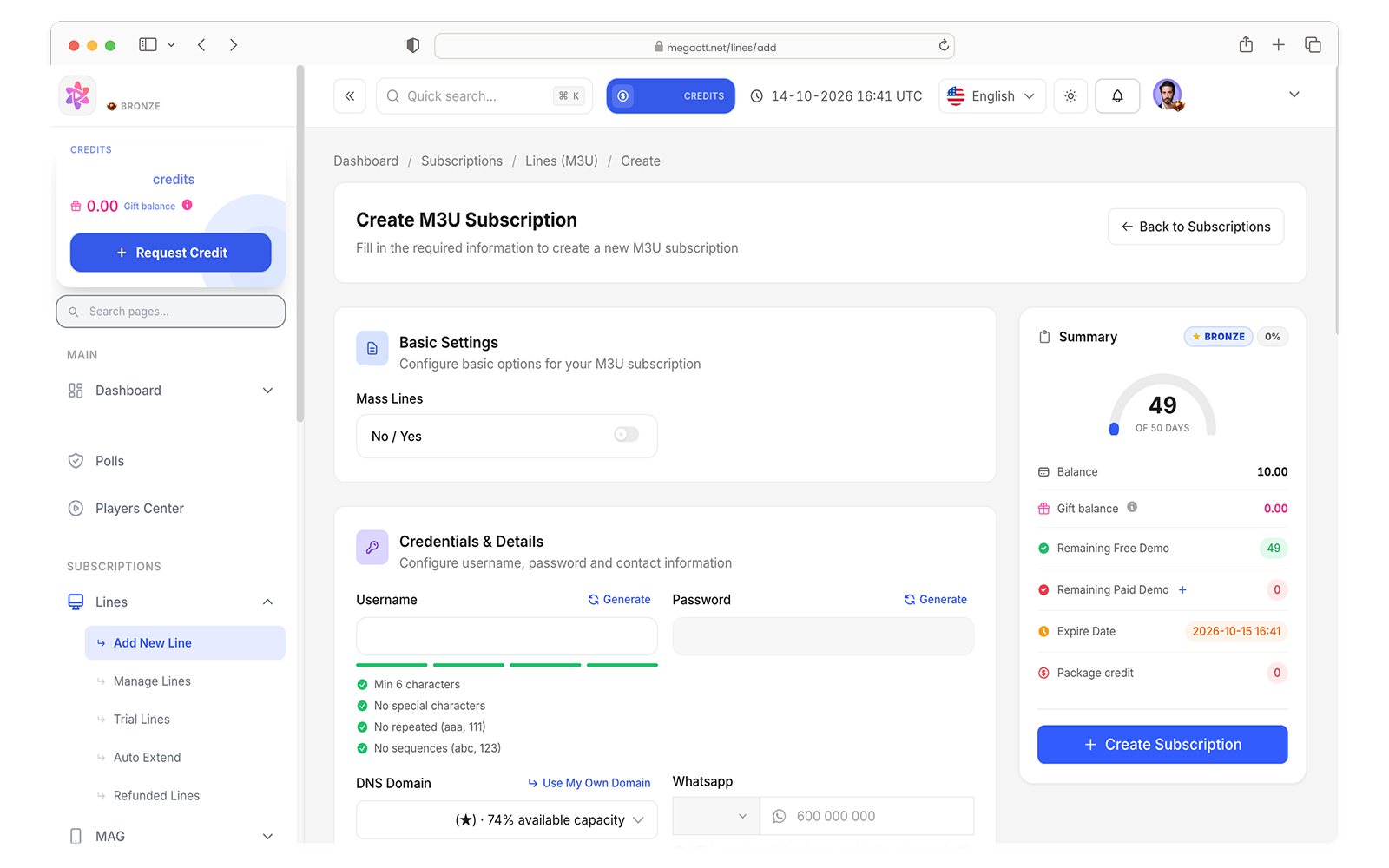
The Mega OTT panel walkthrough shows management controls. It does not establish replay coverage for a particular channel; that needs account-specific confirmation and testing.
Check local recording on its own
When investigating an incomplete recording, first check that your player supports recording in the version you use and that its selected storage is available. Make a short test from a live channel you can watch successfully, then play back the saved file.
Compare the scheduled duration with the file you obtained. Note whether the live stream also interrupted, whether storage became unavailable, or whether the device entered a power-saving state. Ask support to confirm the connection allowance before testing watching and recording at the same time.
Do not use a successful five-minute recording as a promise that a long unattended recording will finish. Repeat a longer test under the conditions you actually intend to use. For interruptions affecting live video as well, follow our buffering troubleshooting checklist.
A channel test sheet for resellers
Before describing EPG or catch-up to a customer, keep a short test sheet for their important channels. This is especially useful when you manage subscriptions through a Mega OTT reseller panel.
| Record | Example entry format |
|---|---|
| Channel identity | Name, country, HD/SD or time-shift variant |
| Environment | Device, player and version |
| EPG result | Present, missing or shifted; update time |
| Replay result | Programme, broadcast time, time zone and outcome |
| Recording result | Scheduled duration, saved duration and playback outcome |
These are suggested fields, not claimed test results. They help you describe verified behaviour instead of promising complete coverage from a channel count alone.
Will buying more credits fix missing EPG?
Do not treat a credit top-up as an EPG repair. Credits and account activation are separate from guide-source coverage and player mapping.
What should I confirm before ordering?
Provide your device and the channels that matter, ask about their current guide and replay availability, and confirm any testing option offered. Review our Mega OTT reseller panel guide for account and credit questions.
Sources and editorial notes
Researched on 16 October 2026. Community discussions identify questions worth answering; they do not establish current service specifications. General troubleshooting steps are editorial suggestions, not results from a controlled Mega OTT benchmark.
Need an account-specific answer?
Tell us what you need to check before your next step. Include your device or package question so we can help you clarify the details.