Mega OTT Buffering or Black Screen? A Troubleshooting Checklist
A playlist loading does not prove that its streams work. Isolate account, player, network and channel issues, then send support the details that matter.
Start with the symptom, not a random setting
If Mega OTT loads a channel list but displays a black screen, treat the list and the video stream as separate checks. The app has received some information, but that does not establish that the selected stream is reachable or that the account is permitted to play it.
A Reddit discussion about Mega OTT describes exactly this pattern: channels and VOD appear, but playback fails. Replies include different experiences, which is why a single report should not be treated as proof of a service-wide outage.
The checks below are a diagnostic workflow, not a claim that we reproduced the Reddit reports. Keep the account, channel and test time consistent while changing one variable at a time.
Identify which kind of failure you have
| What you see | First check | What to record |
|---|---|---|
| The panel login fails | Confirm the management URL and account status with your seller | Exact error, time and whether the page loads |
| The list loads; no live or VOD item plays | Verify playback credentials, expiry and permitted connections | Whether another authorized player gives the same result |
| Only one channel fails | Compare two other channels in the same session | Exact channel name, country and quality label |
| Video starts, then repeatedly pauses | Compare the same stream on a stable local connection | Time of day and frequency of interruptions |
| Live TV works; the guide or replay fails | Investigate EPG or catch-up separately | Programme title and broadcast time |
A failed panel login and a failed video stream are different symptoms. Keep them separate in your support request so the seller can check the relevant account or playback path.
Check account details before changing the device
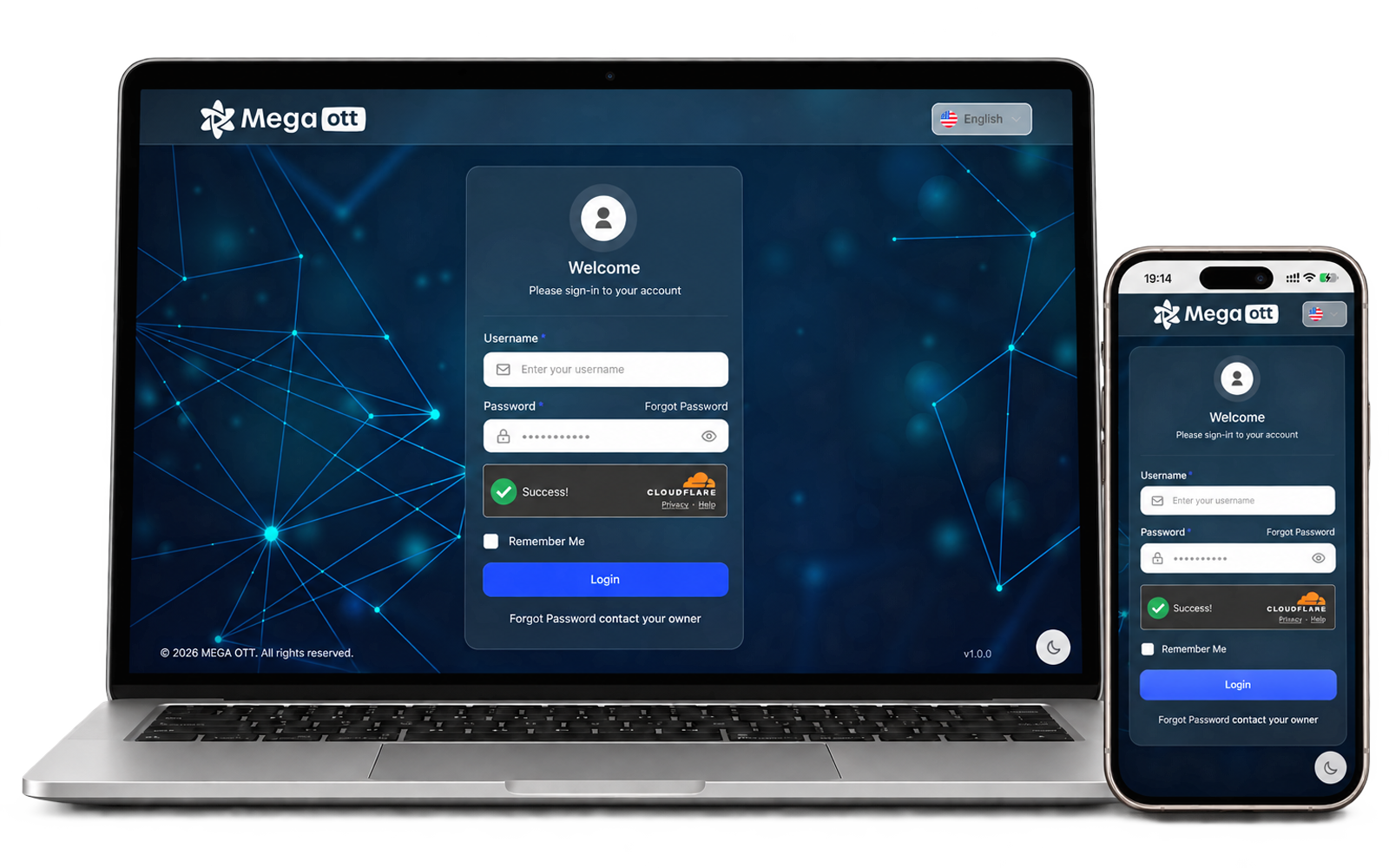
Confirm the supplied playback address, username and password with the seller through your established support contact. Watch for a copied space or an incomplete address. Use customer-line credentials in the player, not the administrator login for the Mega OTT panel.
If you manage the line, review its status and expiry in the reseller dashboard. Ask support to verify any connection allowance you cannot see. Close other playback sessions for the test so that simultaneous use does not complicate the result.
A visible credit balance does not, by itself, establish that a particular customer line is active. Likewise, buying more credits is not a general fix for buffering. Our reseller panel and credit guide explains the distinction between management access, credits and individual subscriptions.
Run a controlled playback comparison
- Choose a small sample. Note one failing live channel, one other live channel and one VOD item. Test each separately.
- Check local connectivity. If available, compare Wi-Fi with Ethernet on the same device. Pause unrelated heavy downloads during the test.
- Check the player. Restart it and use its official update channel. Keep a private backup of your configuration before any reset or reinstall.
- Compare another supported player or device. Use the same authorized line sequentially, staying within its connection allowance. Record whether the same item fails.
- Repeat at the problem time. A successful morning test does not explain a failure that only happens during evening viewing.
If one player works and another does not under similar conditions, investigate their settings and compatibility. If the same item fails across those tests, send that evidence to the provider. Neither result alone proves the underlying cause.
TiviMate's official website identifies it as a player that requires your own playlists; a premium player purchase does not supply a subscription or repair an upstream feed. Changing apps may help isolate the problem, but it is not a guaranteed fix.
What a reseller should collect before escalating
If you use a Mega OTT reseller panel, collect comparable reports rather than forwarding only “it buffers.” Check whether complaints concern the same channel, time window, player or network. Do not promise an outage explanation until the provider confirms it.
- Device model and operating system
- Player name and version
- Affected channel or VOD title
- Date, time and time zone
- Exact symptom and error text
- Whether other channels work
- Tests already completed and their results
- Redacted screenshot if helpful
Keep passwords, full playlist URLs and other customers' details out of public posts. Use a private support channel for any account identifier the provider needs.
If multiple unrelated users report the same item failing at the same time, that is useful evidence for escalation. It still does not identify a particular server fault without further confirmation.
Common questions about MegaOTT playback problems
Is Mega OTT down whenever my screen is black?
No. A black screen is a symptom. Account status, playback details, the player and the stream itself all need to be considered. Check a small sample and ask the provider for current status.
Should I reset everything immediately?
Start with reversible checks. A reset can remove useful configuration and make it harder to compare results. Save your settings privately before making changes that erase them.
Does a fast speed test rule out a network problem?
No. Treat a speed-test result as one observation, not a verdict on the particular stream. A controlled playback comparison provides more relevant evidence.
What if only programme information or replay is missing?
Use the separate Mega OTT EPG and catch-up guide. A working live stream can still have incomplete guide data or an unavailable replay.
Sources and editorial notes
Researched on 16 October 2026. Community discussions identify questions worth answering; they do not establish current service specifications. General troubleshooting steps are editorial suggestions, not results from a controlled Mega OTT benchmark.
Need an account-specific answer?
Tell us what you need to check before your next step. Include your device or package question so we can help you clarify the details.